Method No. 1: Using Trojans
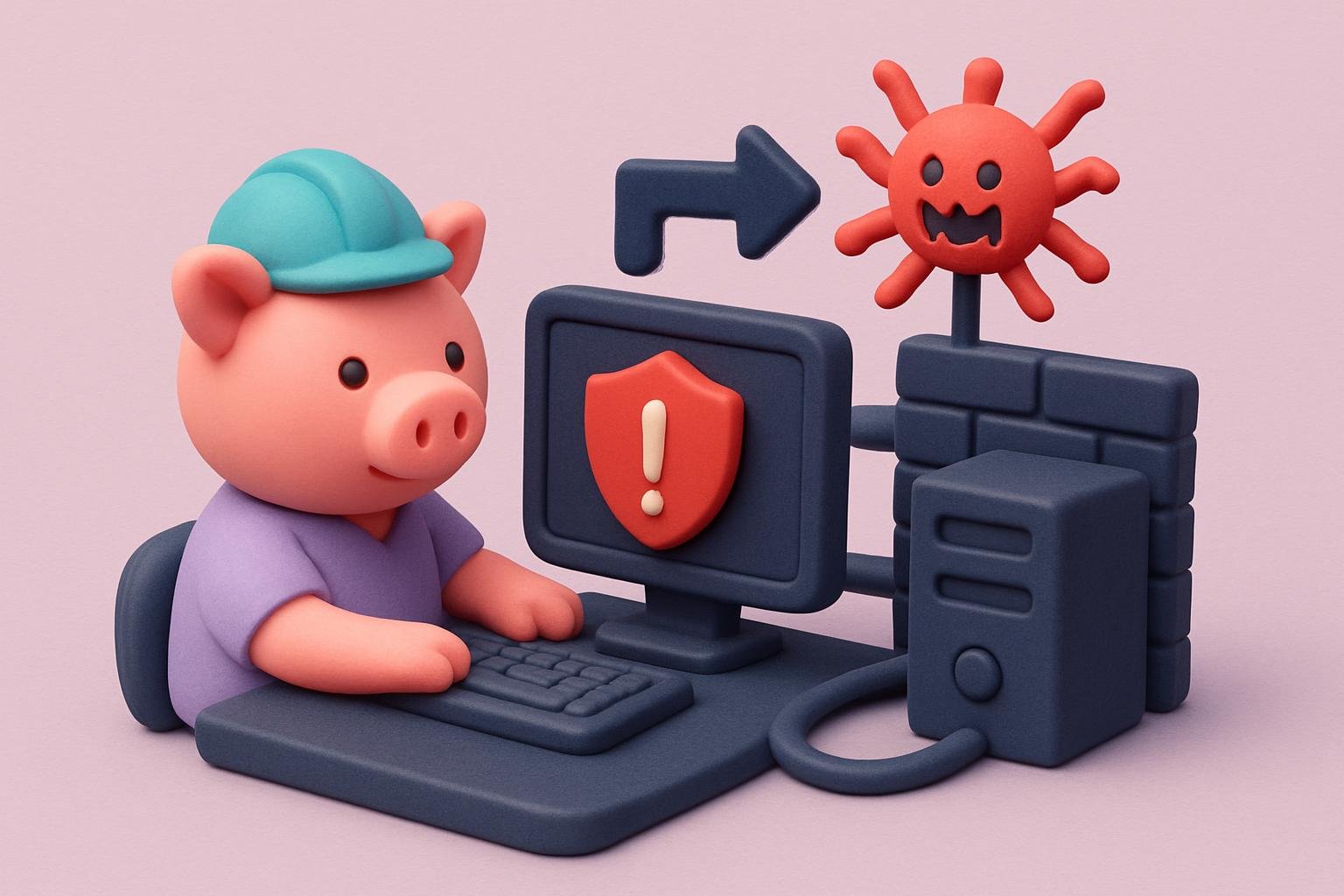
One popular way of breaking into someone else's email accounts is, oddly enough, sending emails with Trojans bundled into them. The email contains a link to download that same file bundled with a virus. Most often, there's something in the email that “hooks” the user. They make it so the user subconsciously can't ignore it and not respond.
For example: how do you get an accountant to download and run an unknown file? If you just send her a link, of course she won't click it. Promising a pile of money and other benefits isn't an option either—nobody falls for that anymore.
So the attackers came up with the idea of sending a message in the name of the Tax Service. That's exactly the kind of thing that's supposed to “get to” the poor little piggy.
And once the unsuspecting piggy accountant runs the file, the attackers can take full control of her computer: get access to the file system, the list of processes, and—most frightening of all—the list of every password and login the piggy has ever saved in her browser.
Method 2: Hacking with the help of a known phone number
The gist of this method is that the attacker knows the phone number the user provided when registering their email account. When resetting a password, for example, Google Mail asks you to enter the last digits of the phone number that received a call (or choose the caller's number from the list in the same section). An SMS confirming the password recovery will be sent to that number. After that, the scammers send a second SMS asking you to tell them the code from the first SMS.
Imagine you're sitting peacefully at home when suddenly an SMS with a verification code arrives:

Then, within the same minute, a second SMS arrives telling you to send the code from the previous SMS to prevent the account from being hacked

Suspecting nothing, the person sends the one-time password from the first SMS. And now the email account is in the attackers' hands—the poor piggy user doesn't know what to do.
Method 3: Getting information through social engineering
Only the laziest piggy hasn't talked about this oldest way of getting information. Many people already know about it firsthand. If you think this method isn't as effective as people say, you are very, very wrong!
Not long ago, CIA Director John Brennan's email was hacked. The absurd thing about this situation is that the account wasn't hacked by a hacker from the “Anonymous” group, but by an ordinary teenager (was he really a teenager?), who gathered absolutely all the information about his “victim” that was available from public sources. The supposed “hacker” first contacted the mobile operator, posing as Brennan's assistant, and verified all the information he knew about Brennan's account.
After that, he got through to customer support and, posing as Brennan himself, asked them to reset his password because he'd forgotten the old one. Since he knew all the information needed for this (the email service account login, the bank card number, the PIN for that card, as well as the phone number), the password was successfully reset, and nobody suspected a hack.
And later, emails belonging to the CIA Director were found published:

Never trust strangers who try, under various pretexts, to get the email account details of you or your acquaintances! If they claim to be technical support, that's not true, because the real tech support already knows all the details you entered when the piggies created the mailbox.
Method 4: brute force
The gist of this method is to try passwords for your account at tremendous speed. You can easily protect yourself from this method by following a few simple rules that you should always observe:
- Use long passwords (10 characters or more)
- Your password must include special characters (an exclamation mark, a question mark, an “at” sign, a hyphen, or other characters)
- Your password must include a combination of letters and numbers
- You should also use both uppercase and lowercase letters
Also, check your mailbox from time to time for unfamiliar devices, as well as unknown addresses in the message forwarding list. Don't trust unfamiliar numbers or people trying to get your personal information from you!
End of article. Thanks to all the piggies for reading!