Why passwords matter
If your password is easy to guess, you're inviting account hackers and data thieves to the table. We all know how to do it, but if you knew how bad many people's password habits are, you'd be horrified. From common words and the dreaded “123456” to family birthdays, pet names, and much more, many of us are very guilty in this area.
While no password is truly impossible to crack, there are plenty of security measures you can take to keep your passwords easy to use but almost impossible for hackers to get at.
How to store strong passwords
In theory, the best passwords should be random, nonsensical strings of letters, uppercase letters, special characters, and numbers. But that also makes them impractical to use and very tempting to write down.
We've all heard the story about the terrifying note with all your banking passwords stuck to your screen. The truth is, it's more likely that a vengeful ex or malicious coworker will steal that information than an online hacker, but it's still not a smart storage strategy. The same goes for using a note on your phone, especially since that's usually also your preferred device for two-factor authentication. No need to hand a thief your vulnerable information on a silver platter!
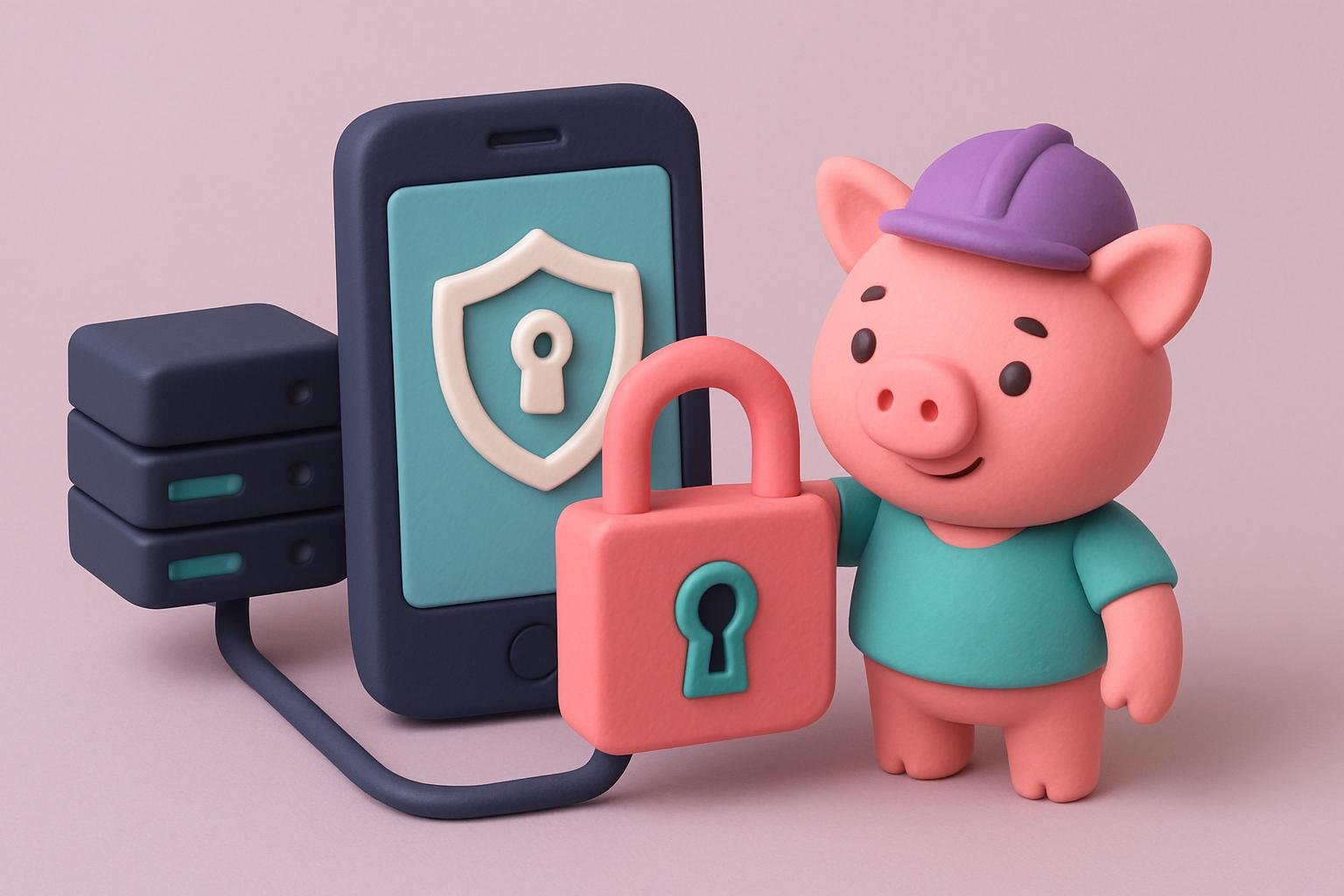
Luckily, there are plenty of reliable password managers that will do this for you digitally. They encrypt your passwords, so nobody on “their” end can see what you've chosen, and they're also protected from prying eyes. They let you generate and store maximally secure random passwords, adding another layer of security to your setup. Many also offer online backups with secure encryption, so you never lose the information you need.
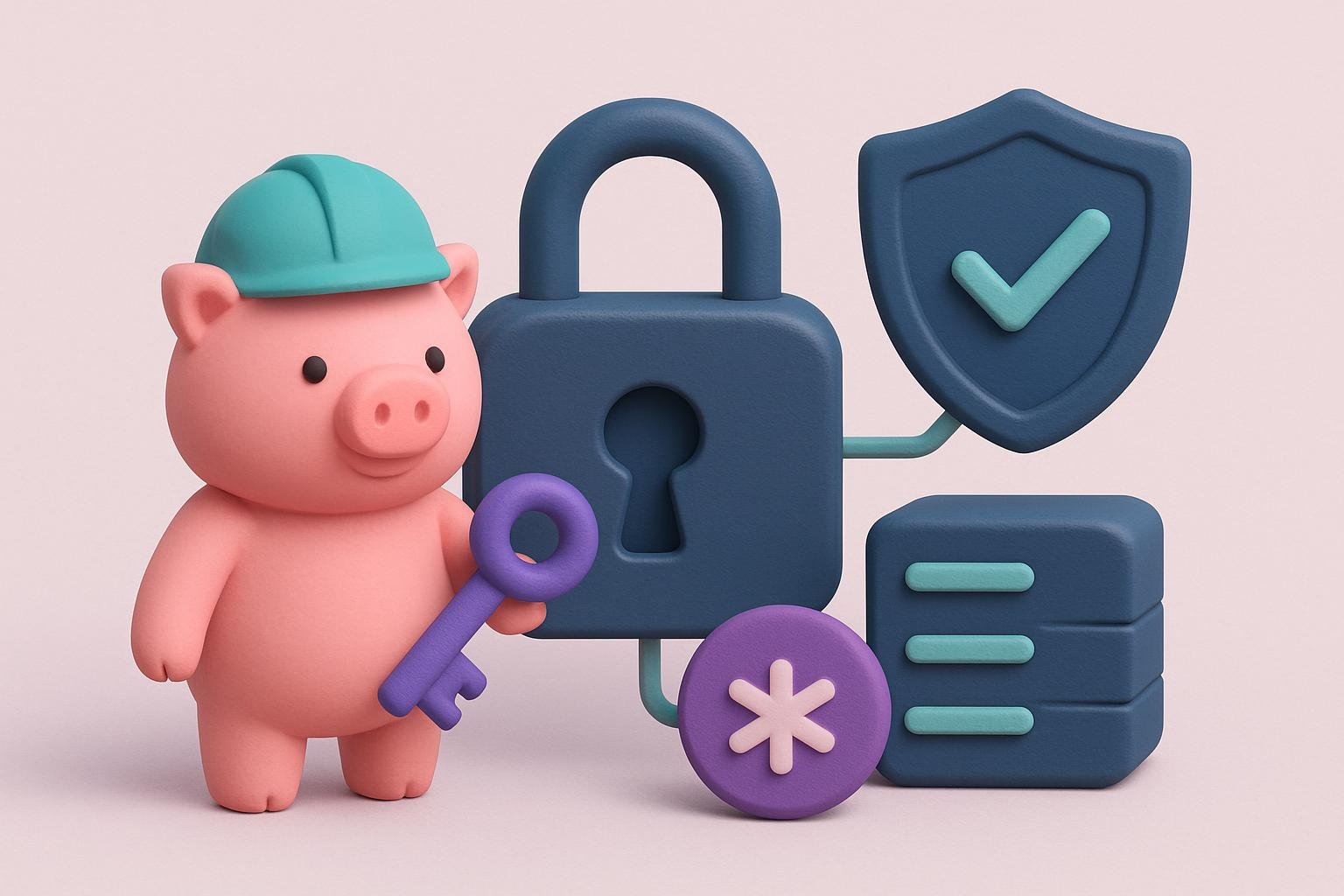
Look for 256-bit AES encryption. Currently used by financial institutions and the military, it's practically impossible to crack, even if the database is compromised. If you then add two-factor authentication (more on that later), you'll have an almost impenetrable vault to keep you safe.
Creating strong passwords
As we mentioned, a strong password should use all of these:
- Uppercase letters
- Lowercase letters
- Special characters
- Numbers
Each new “factor” added to the mix makes the password harder to guess. Also, aim for a string of at least 8 characters. The longer it is, the more time it takes to brute-force even one, let alone all the characters in the string. Likewise, it's unlikely to be cracked by a social media data farm or a phishing attack.
Bad social habits
Speaking of social media data collection, you should also take responsibility for what you reveal to unknown parties online. All those cute quizzes? Many are designed to learn more and more about you, get answers to security questions, and give hackers a chance to start with something you might use as a password. Minimizing what you share online can do a lot to keep you safe.
The passphrase concept
If you still need a password you can remember but want to keep it secure, the passphrase concept can be very useful. It's simply a long password created with our previous advice in mind. This avoids the risk of using places, names, and people that mean something to you, while still being easier to remember. What's an example of a passphrase? Let's say you decide to make a new passphrase: “Susan loves apples for lunch.” Easy to remember, right? But if you don't know anyone named Susan and you're allergic to apples, it won't be the first thing a hacker would guess. However, we're going to change it to meet strong-password standards.
Change is good
Using different passwords on different sites creates another layer of protection. If a hacker gets hold of one password, they won't be able to use it to unlock your whole world. At worst, you'll have to deal with one data breach rather than losing your entire digital world.
It's also useful to change your passwords regularly. You can't always control where hackers get their data. Sometimes they manage to breach an institution's data instead—think of the recent Equifax data breach. If the data is already old, it's useless to them.
Two-factor authentication
Two-factor authentication adds another layer of security. After you successfully enter your password, you'll get a code on your phone or by email, which you also have to enter successfully before you can log in to your account. Two seconds of effort for someone legitimately using the account, but a closed door to anyone trying to steal your data.
Many platforms already offer 2FA “built in,” especially social media sites and banking institutions, but some well-designed apps let you add it to a wider range of accounts, too.
Be smart online
While brute-force attacks can crack passwords, it's much easier for the “bad guys” to get you to hand over your data directly. Be very careful about phishing, and always check that the source of any email asking you to provide sensitive information is legitimate. If in doubt, call the institution instead of acting on an email that seems suspicious. Likewise, avoid public Wi-Fi networks, which are easy to hack, keep your software updated so all security patches are in place, and consider using a VPN to further hide your online presence.
Keeping your passwords safe shouldn't be an ordeal. By taking a few simple, easy-to-implement security steps, you can protect your online presence from cybercriminals and keep your important data and banking apps for your eyes only.