1. Links
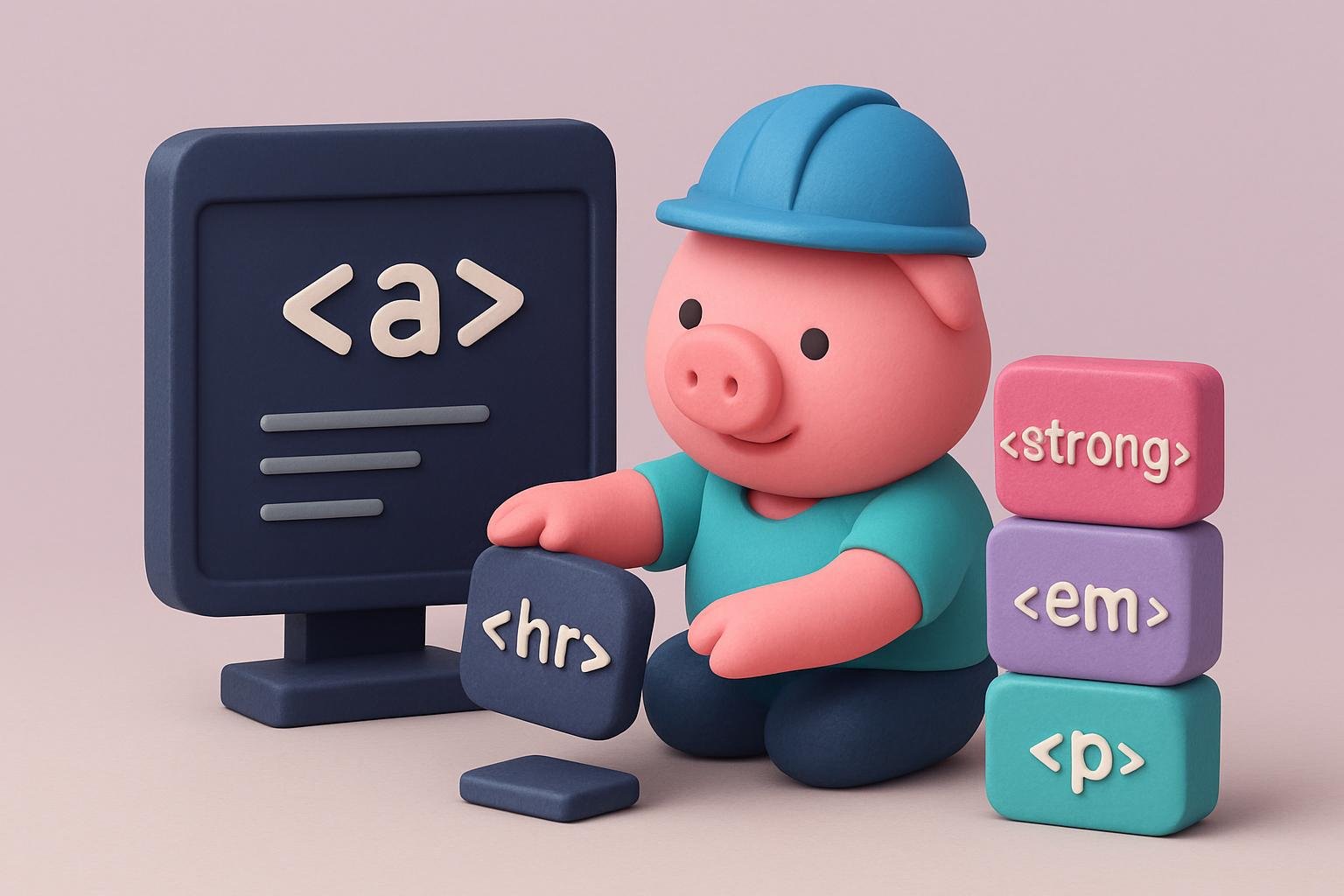
A link is a very important element of a blog post. That's because you benefit from directing your readers to another page on your blog or to an entirely different blog. In most cases, links are strings highlighted in blue.
When clicked, they open a specific URL. The link format is
The format consists of three main parts that you need to understand. href is the most important part of the tag, since it contains the address visitors are redirected to. This is the mypage.com address in the example above. The title is a description of the link, which is a basic requirement of HTML standards. The anchor text, the final part of the tag, is visible to users. There are two main options for this part of the tag. You can choose a sentence, a single word, or simply an image that opens the address.
2. The <strong> and <em> tags
Bold and italic tags are the most common forms of word formatting. When used, bold tags make a word or sentence bold, while the italic tag makes it italic. These two elements are very important when highlighting important information for fans or visitors to your blog. They help add emphasis.
The format of these two tags is very easy to understand.
Bold tag <strong>my example</strong>
Italic tag <em>my example</em>.
It's important to understand that the original tags for these two tags in earlier versions of HTML were <b> and <i>, respectively. These two, however, are no longer used.
3. Headings
Documents use different headings, from h1 to h6, depending on your content. Headings are a great way to classify content on your blog. This makes it very easy to understand and read. Heading tags are very easy to implement in your blog. For example, for h2 you use the tag <h2>my heading</h2>. The letters get smaller, but remain distinct enough to differentiate between different topics and subtopics.
<h1>First-level heading</h1>
<h2>First-level heading</h2>
<h3>First-level heading</h3>
<h4>First-level heading</h4>
<h5>First-level heading</h5>
<h6>First-level heading</h6>
4. Paragraphs<p>
Most people don't understand the importance of paragraphs in blogs. It's well known that white space reduces boredom. More white space helps readers stay interested in the content. Paragraphs also keep the content layout consistent and help separate the different points used in the content.
The paragraph tag is somewhat unique and different from other tags. It's also the simplest of all the other tags. All you need to do to help the web browser recognize the start of a new paragraph is include the tag <p>. The <p> tag signals the beginning of a new paragraph.
<p>Another paragraph on a new line</p>
5. Lists
To make a list with the names Dima, Vova, and Sasha, you simply use the <li> tags. However, you need to remember the list format, which uses the <ul></ul> tags for bulleted lists, or <ol></ol> for numbered lists. You should use these tags before and after the names and their tags.
For ordered lists:
<ol>
<li>Dima</li>
<li>Vova</li>
<li>Sasha</li>
</ol>
For unordered lists
<ul>
<li>Dima</li>
<li>Vova</li>
<li>Sasha</li>
</ul>
6. Quotes
Blockquotes make it easier to quote a long paragraph, making the content unique. To use quotes, you simply need to use the <blockquote> tag. It has a citation tag that is usually used with it. This citation tag is <cite>, which helps indicate a reference to the source of the quote.
The blockquote tag is written as
<blockquote>Quote text</blockquote>
7. Image <img>
Images are important for every blog to help explain things better.
The image tag is written in the following format:
These specifications help determine the image format and design according to your preferences for your blog.
8. Line break <br>
The line break tag, written as <br>, helps you create your own line-spacing settings. This is important because your blog host has settings that determine the spacing between your paragraphs, which may conflict with your needs.
Using this tag, the browser can create simple, small gaps between lines of content.
9. Horizontal line <hr>
This helps break up the monotony of the content and divide it into different parts. A horizontal line is very important for blogs and uses the <hr> tag.
Conclusion
Running a blog is easy. However, to get visitors to come back and enjoy their time on your blog, you need a beautiful, well-organized design.